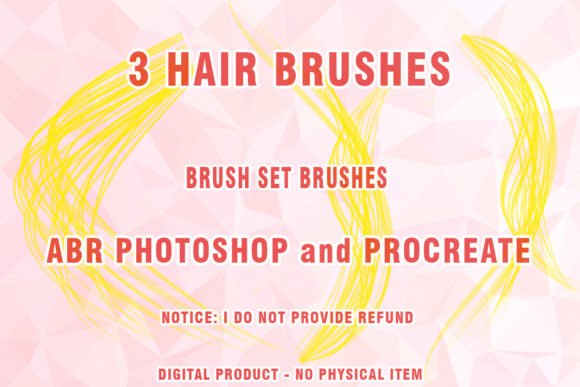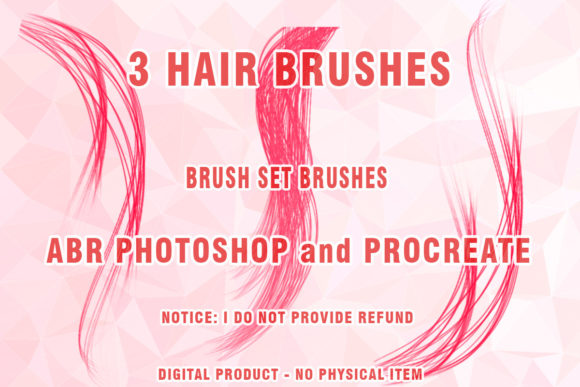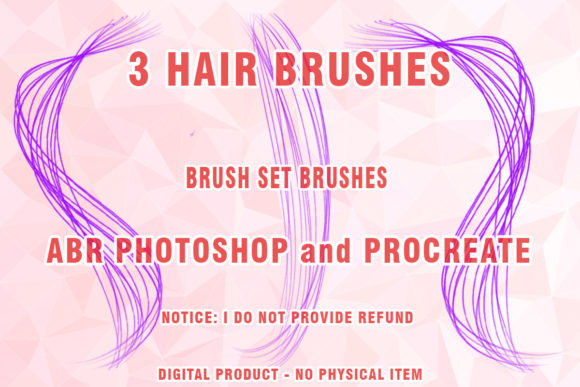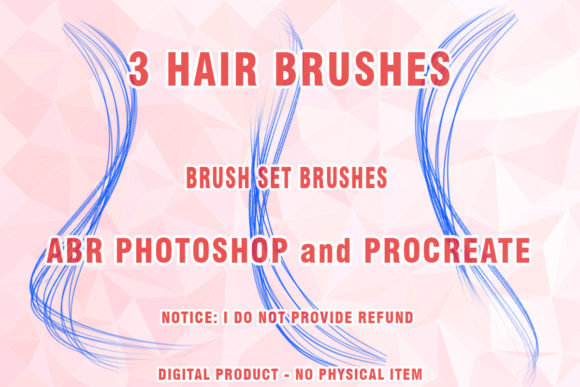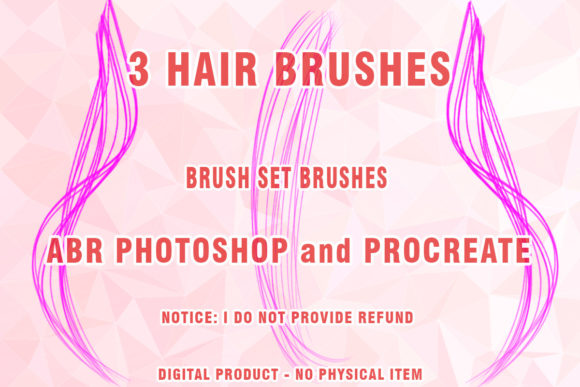
Hair Brushes for Procreate & Photoshop
Creating realistic hair in digital art is often considered one of the most challenging tasks for illustrators and designers. Whether you are working on a character portrait, a fashion illustration, or a complex composite image, getting the strands to look natural rather than like solid blocks of color requires patience and the right tools. This is where specialized Hair Brushes Procreate and Photoshop 32 come into play. These digital assets are designed to streamline the workflow, allowing artists to focus on creativity rather than fighting with standard round brushes to mimic organic texture.
Understanding the Digital Hair Toolkit
At its core, this product is a collection of custom brush presets that replicate the behavior of real hair. When you purchase this set, you are acquiring a digital file that expands the capabilities of your preferred software. The package includes 32 distinct brushes tailored for both Procreate and Adobe Photoshop, along with three additional specialized wigs brushes for Photoshop users. These are not just simple stamps; they are dynamic tools that respond to pressure, tilt, and speed, much like a physical pencil or paintbrush would.
The files are delivered in the industry-standard .ABR format, which is native to Adobe Photoshop. For Procreate users, the set includes compatible files that ensure seamless integration into your iPad workflow. Upon purchase, you will receive a compressed .ZIP file. Once downloaded, you simply extract the contents to access the individual brush libraries. This format ensures that the data remains intact during transfer and is easy to organize within your digital asset library.
Why Artists Choose Specialized Brush Sets
The primary appeal of using a dedicated brush set for hair lies in efficiency and realism. Standard circular brushes often struggle to create the fine, tapered ends of hair strands or the chaotic flow of a messy bun. By using tools specifically engineered for painted hair, artists can achieve complex textures with fewer strokes. This is particularly valuable for professionals who work under tight deadlines, such as concept artists in the gaming industry or freelance illustrators handling multiple client commissions.
Moreover, these brushes help maintain consistency. When drawing long, flowing locks, it can be difficult to keep the strand thickness uniform using manual techniques. A high-quality digital brush automates some of this variance, providing a natural look that feels organic rather than repetitive. For beginners, this serves as an excellent learning aid. By observing how the brush reacts to different pressures, new artists can better understand the underlying structure of hair groups and lighting, accelerating their overall skill development.
Versatile Applications Across Creative Fields
The utility of Hair Brushes Procreate and Photoshop 32 extends beyond simple character design. Here are several practical contexts where these tools add significant value:
- Fashion Illustration: Designers can quickly sketch hairstyles to complement clothing designs, experimenting with volume and movement without spending hours on rendering.
- Portrait Retouching: Photographers and digital painters can use the Wigs Photoshop Brushes to enhance or reconstruct hair in post-production, fixing bad hair days or adding volume to flat images.
- Concept Art: Game and film developers need to iterate quickly on character looks. These brushes allow for rapid prototyping of different hairstyles to find the perfect fit for a character’s personality.
- Educational Content: Educators teaching digital art can use these sets to demonstrate layering techniques, showing students how to build depth from dark roots to highlighted tips.
For entrepreneurs and small business owners selling digital art or prints, the ability to produce high-quality, polished images quickly can directly impact profitability. The time saved on rendering hair can be redirected toward marketing, client communication, or creating additional products.
Technical Considerations and Compatibility
Before integrating these tools into your workflow, it is essential to understand the technical requirements. The Hair ABR files are optimized for modern versions of Adobe Photoshop. While they offer robust performance in current releases, users should note that this set may or may not work partially on very old versions of Photoshop that are no longer supported by developers, specifically CS3 or earlier versions. Adobe has significantly updated its brush engine over the years, introducing features like dual-brush tips and wet edges that older software cannot interpret correctly. Therefore, for the best experience, it is recommended to use a relatively recent version of Photoshop.
For Procreate users, compatibility is generally broader, but ensuring your app is updated will guarantee that all pressure sensitivity and tilt features function as intended. Since this is a digital product, there is no physical shipping involved. You download the file immediately after purchase, allowing you to start creating within minutes. However, because the files are compressed in .ZIP format, ensure you have a reliable extraction tool on your device, especially if you are working directly on an iPad or tablet.
Tips for Getting the Most Out of Your Brushes
To truly leverage the potential of this digital hair toolkit, consider the following best practices:
- Layer Management: Do not try to paint all the hair on a single layer. Use separate layers for the base shape, mid-tones, and highlights. This allows you to adjust opacity and blending modes for a more three-dimensional effect.
- Pressure Sensitivity: Experiment with your stylus pressure. Light touches create fine, wispy strands, while heavier pressure builds volume. Mastering this control is key to avoiding a "clumpy" appearance.
- Color Variation: Real hair is rarely one solid color. Use the brushes with varying shades of your base color to add depth. Subtle shifts in hue can make the hair look vibrant and alive.
- Combine with Standard Tools: While these Abr brushes are powerful, they work best when combined with standard smudge or blur tools to soften harsh edges and blend colors naturally.
By understanding the strengths and limitations of your tools, you can create stunning, lifelike portraits that captivate viewers. Whether you are a hobbyist looking to improve your fan art or a professional refining your commercial portfolio, investing in quality assets like Hair Brushes Procreate and Photoshop 32 is a step toward more efficient and expressive digital creation.